Knowledgebase
Open navigation
Open search
Search
View Procedures based on Keyword or Procedure ID #
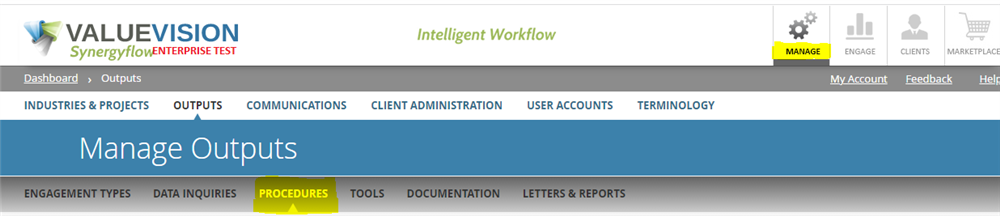
Go to Ma
nage > Outputs > Procedures.
Click on 'Search and Filter' Procedures
Enter the keyword/ID (as applicable).
Alternatively, you can directly view procedures from the search tab on the dashboard.
Categories:
MANAGE PROCEDURES
All Knowledgebase
Related Articles
No Related Articles.
Comments:
No comments for this article.
You need to be logged in to write comments.


Comments:
No comments for this article.
You need to be logged in to write comments.