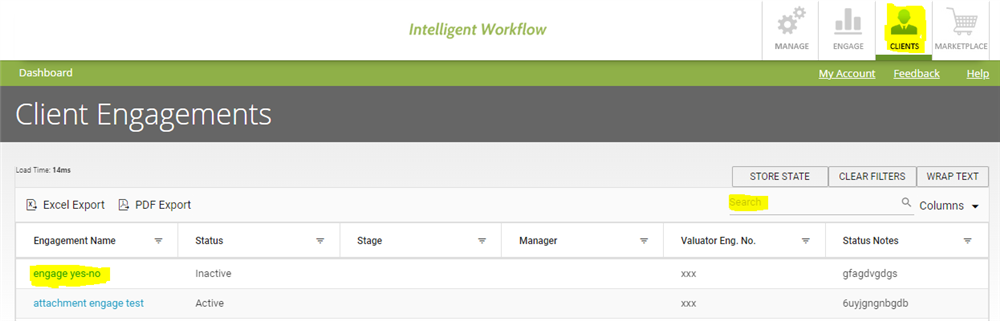
- Click on ‘Client’ section.
- Search for the engagement you want to view in search box shown in the table.
- Click on the engagement name (in blue font).
- Go to ‘Data Inquiries’.
- Click on View against the Data Inquiry which you want to check.
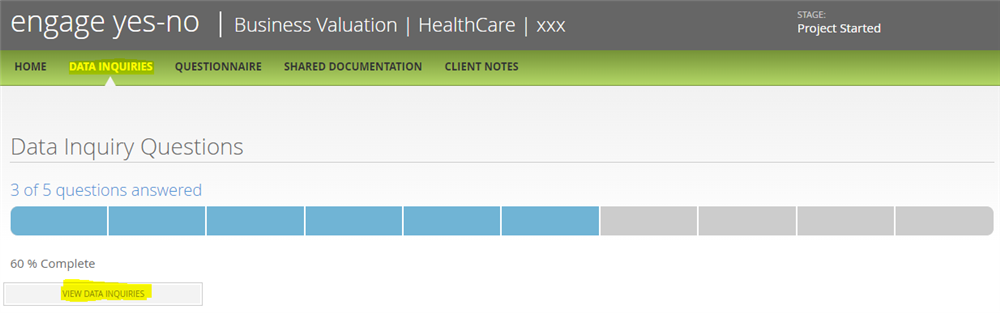
- Click on Unanswered to check the list of unanswered questions.

Comments:
No comments for this article.
You need to be logged in to write comments.