Sorting Procedures
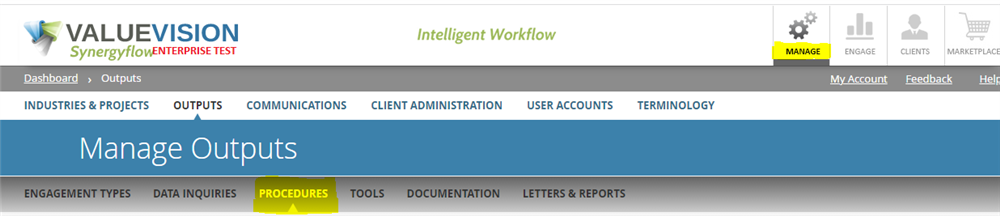
- Go to Manage > Outputs > Procedures
- Click on the 'Sort procedure' icon.

- Select the Industry and project type and press "Show Procedures".
- Once you click "show Procedure", a list of procedures related to that engagement will be presented.
- Just drag and drop procedures, in case you need to update the order of a procedure in same category and stage.
- However if you need to move a procedure in different category or stage follow these steps.
- Select the edit button (Pencil button) besides the procedure you need to update.
- Select the engagement stage or procedure category you want to update.
- For further details on editing a procedure please refer to article "How do i edit a procedure which was added earlier?".
Related Articles
No Related Articles.
Comments:
No comments for this article.
You need to be logged in to write comments.