Knowledgebase
Open navigation
Open search
Search
Sort snippets in a letter template.
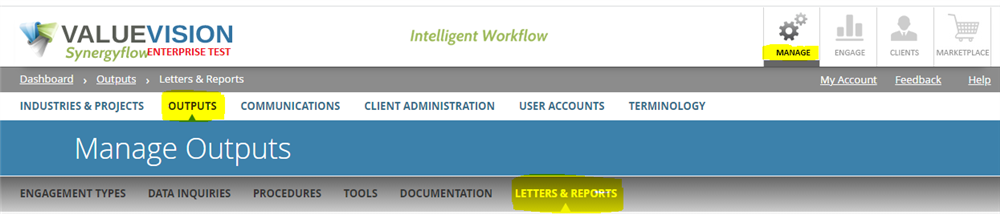
Click on Manage > Output > Letters & Reports.
Click on the letter template of which you want to sort the snippets.
Drag & drop the snippets to appropriate position.
Click on 'Save & Close.'
Categories:
MANAGE LETTERS AND REPORTS
All Knowledgebase
Related Articles
No Related Articles.
Comments:
No comments for this article.
You need to be logged in to write comments.
Comments:
No comments for this article.
You need to be logged in to write comments.