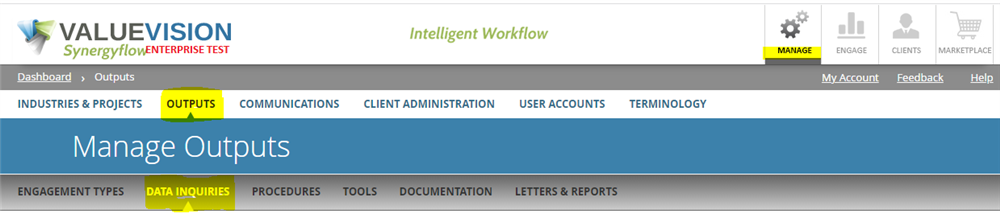
- Go to Manage > Outputs > Data Inquiries .
- Click on Sort Inquiries icon.

- Select a Data Inquiry List for an engagement by selecting an Industry and Project Type from the drop-down menus, then click on the Show Inquiries button.
- To re-order questions, simply drag-and-drop the questions to the desired positions. All sub-questions related to a specific question (if applicable) will move along with the main question.
Comments:
No comments for this article.
You need to be logged in to write comments.