- Go to Engage section.

- Search for the engagement you want to view in search box shown in the table.

- Click on the engagement name (in blue font).
- Click on 'Data inquiries.'

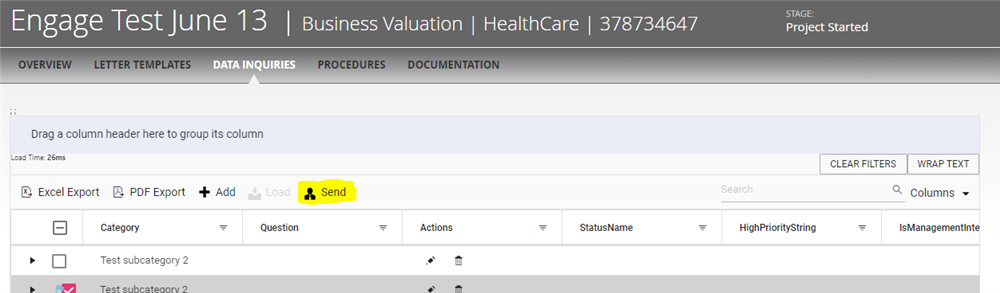
- Click on 'Send.'
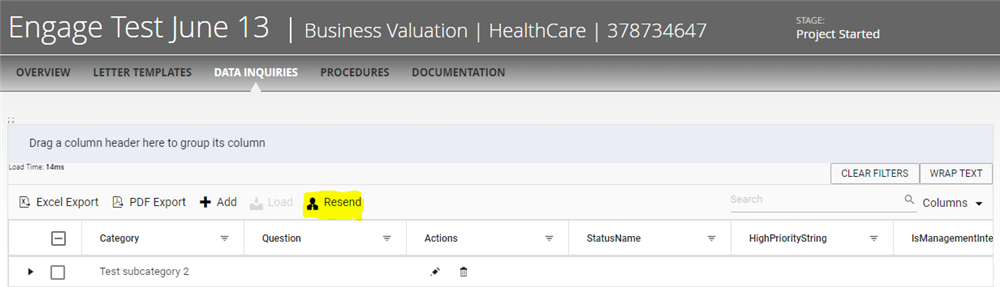
- After sending the question "Resend" option will be there. It can be used to resend questions to existing client of that engagement and if new client is added to the engagement, Pressing "Resend" button will resend the email to client with link to Engagement questions.
Comments:
No comments for this article.
You need to be logged in to write comments.