- Go to Engage Section.
- Click on the engagement you want to view.
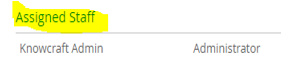
- Click on Assigned staff.
- Mark tick on 'Send Engagement questionnaire update emails to assigned staff'.
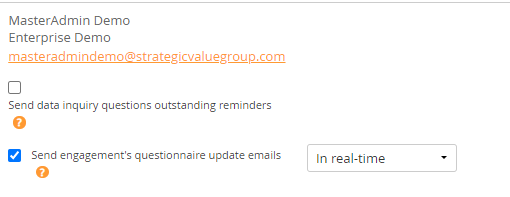
- You also need to set the frequency of getting questionnaire update mails, such as on real time basis, on hourly basis, on daily basis, etc.
Comments:
No comments for this article.
You need to be logged in to write comments.