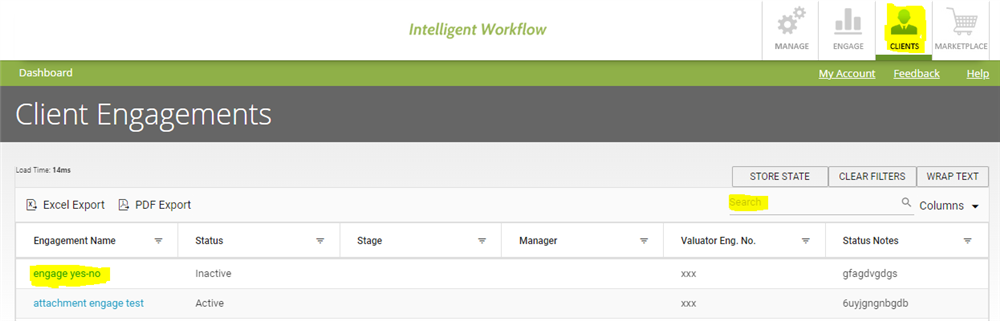
Go to Clients
No Related Articles.
No comments for this article.
You need to be logged in to write comments.

Comments:
No comments for this article.
You need to be logged in to write comments.