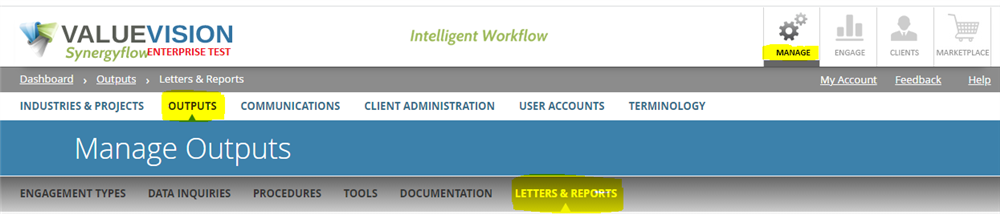
- Go to Manage > Outputs > Letters & Reports
- Click on Manage Snippet Categories

- Click on "Add Category" to add a new type of category of snippet.
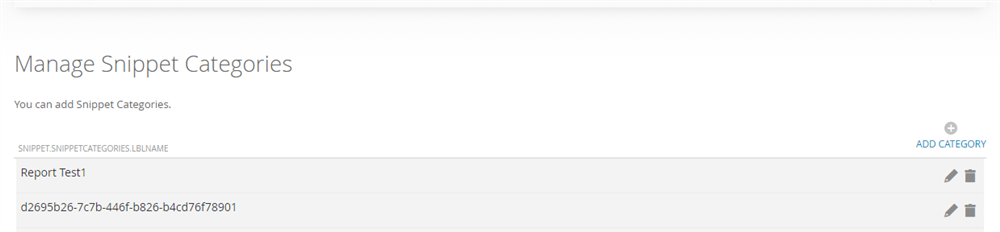
- Likewise, to edit or delete snippet, you can click on the 'pencil' or 'bin' sign appearing against that snippet.
Comments:
No comments for this article.
You need to be logged in to write comments.