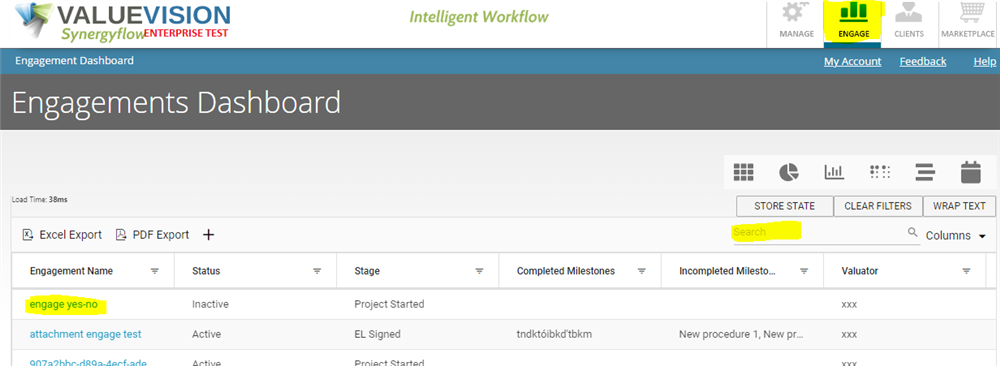
Go to Engage,
- Search for the engagement you want to view in search box shown in the table.
- Click on the engagement name (in blue font).
- Click on "Setup & Status".
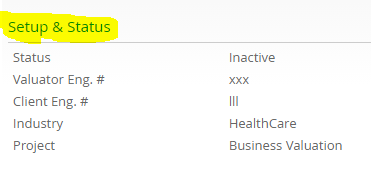
- Make sure "Allow Modify Procedures" is ticked. The procedure will not be edited or deleted if this box is not ticked. If the box is not clicked then click the box and then click on Save & Close.

- Click on "Procedures".
- To edit a procedure, click on pencil button besides the procedure which needs to be edited.
- To delete a procedure, click on trash button besides the procedure which needs to be deleted.
- Procedure will be edited/deleted however this edit will not reflect in Manage section and will be exclusive to this engagement.
Comments:
No comments for this article.
You need to be logged in to write comments.