Knowledgebase
Open navigation
Open search
Search
How to Import Excel file in Manage Data Inquiries
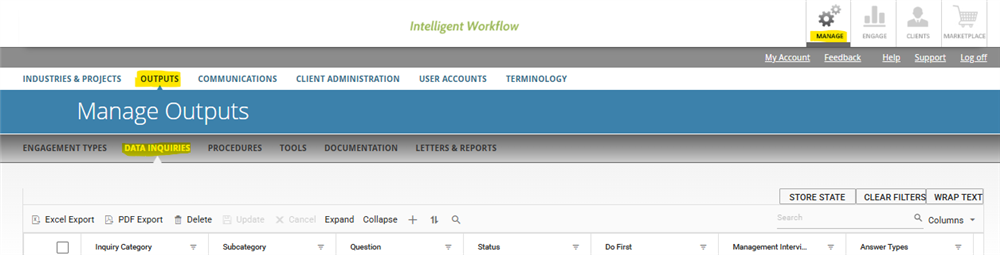
Go to Manage > Outputs > Data Inquiries.
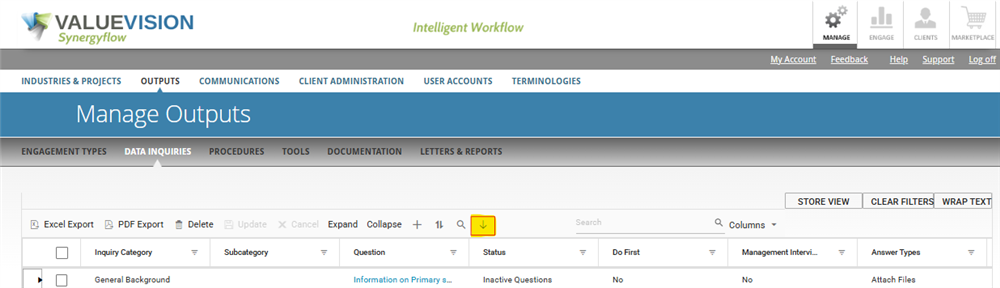
Click in Arrow Icon placed at the right side of dashboard panel (Highlighted).
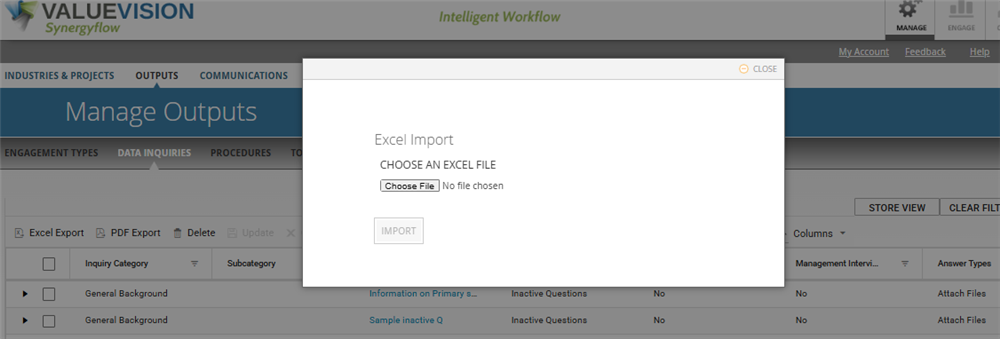
Select an excel file to be imported.
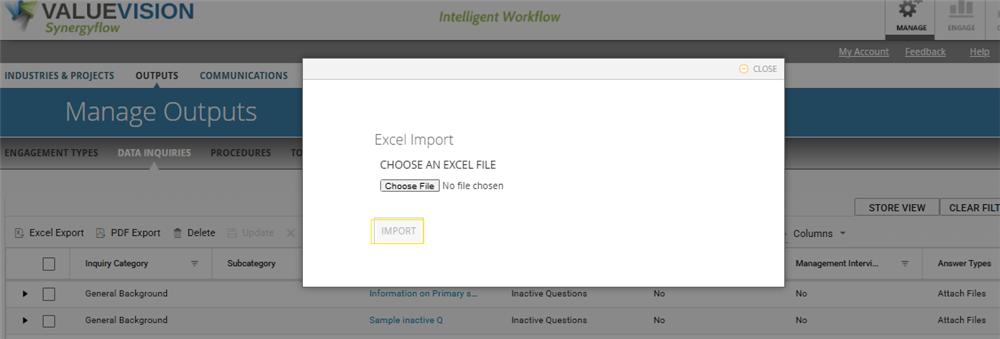
Click on Import.
Green label will be displaying the number of record imported.
Categories:
MANAGE DATA INQUIRIES
All Knowledgebase
Related Articles
No Related Articles.
Comments:
No comments for this article.
You need to be logged in to write comments.
Comments:
No comments for this article.
You need to be logged in to write comments.