- Go to Manage > Output > Letters & Reports.
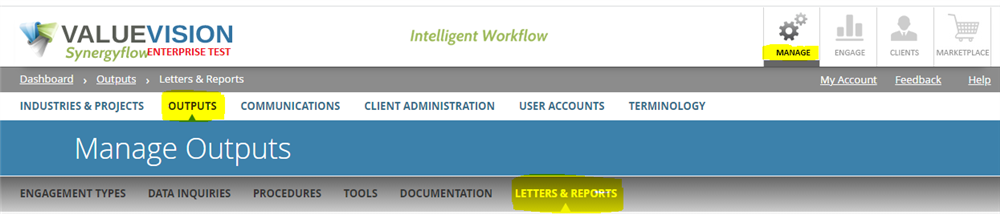
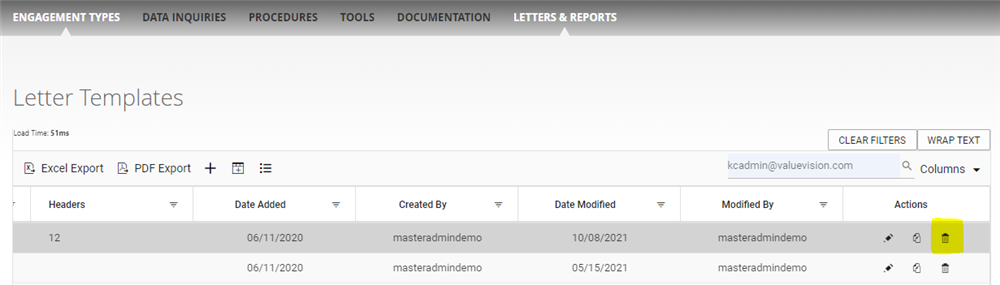
- Deactivation: Go to right end side of the page and click on 'trash ican' appearing against the letter template you want to deactivate.
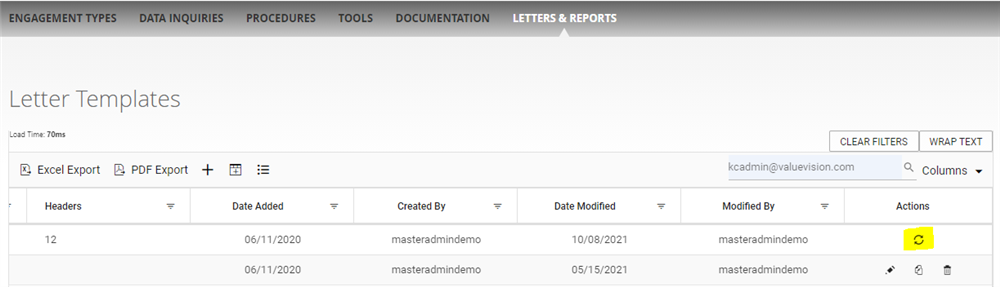
- Reactivation: Go to right end side side of the page and click on 'restore' icon appearng against the letter template you want to reactivate.
Comments:
No comments for this article.
You need to be logged in to write comments.