Knowledgebase
Open navigation
Open search
Search
Editing Terminologies.
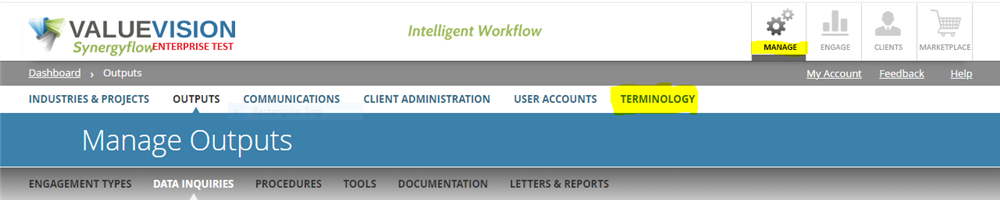
Go to Manage > Terminology.
Click on the pencil sign appearing against the terminology you want to edit.
Make the changes as required, and click on 'Save & Close.'
Categories:
MANAGE TERMINOLOGIES
All Knowledgebase
Related Articles
No Related Articles.
Comments:
Author:
jwilliams
Created on:
4/21/2022 6:04:41 PM
Edits can be made directly in the Grid
You need to be logged in to write comments.

Comments:
You need to be logged in to write comments.