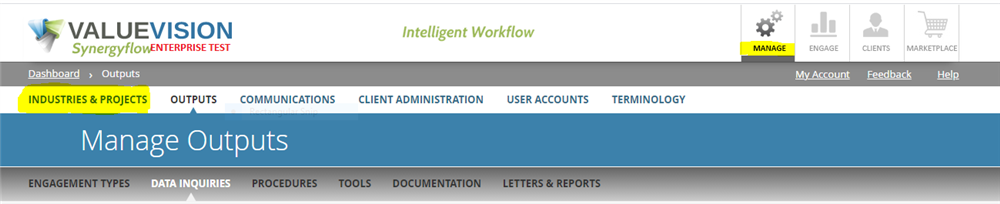
- Go to Manage > Industries & Projects.
- Double click against the name of project type you want to update.
- Edit the project type name as required.
- Click on 'update.'
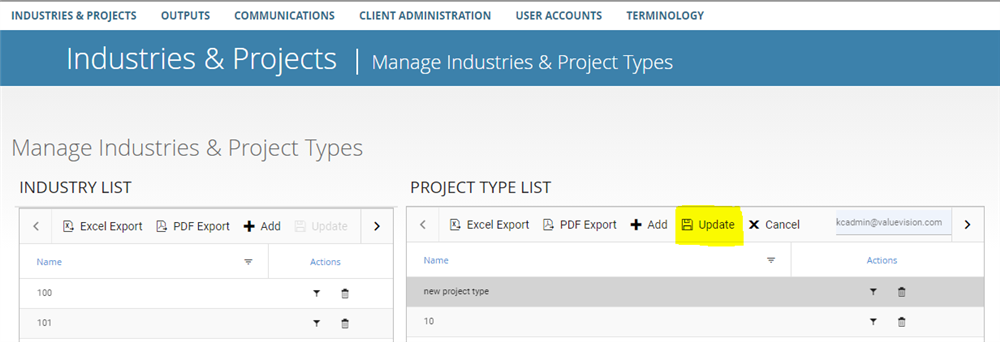
- Please note here that once you edit name of a project type, all the engagements that project type is linked to will also be updated according to the updated project type name.
Comments:
No comments for this article.
You need to be logged in to write comments.