Knowledgebase
Open navigation
Open search
Search
Edit an Internal User Account
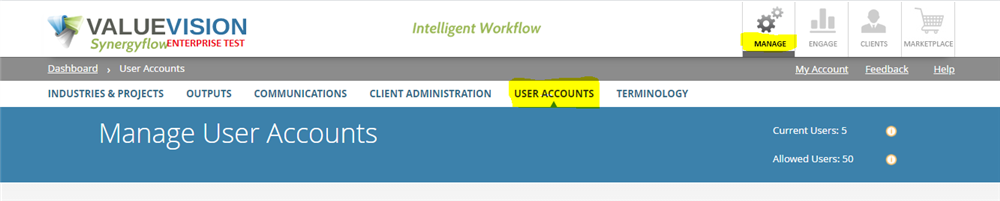
Go to Manage > User Accounts.
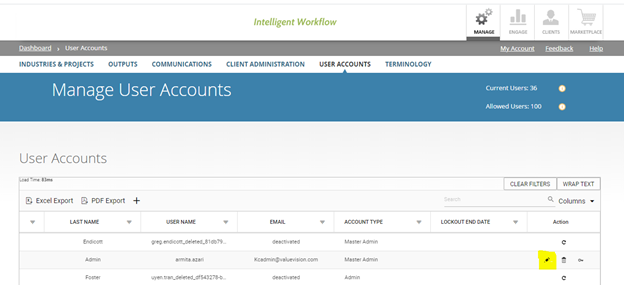
Click on the 'pencil' sign appearing against the user account you want to edit.
Edit the details, as required and click on 'Save & Close.'
Categories:
MANAGE USER ACCOUNTS
All Knowledgebase
Related Articles
No Related Articles.
Comments:
No comments for this article.
You need to be logged in to write comments.
Comments:
No comments for this article.
You need to be logged in to write comments.