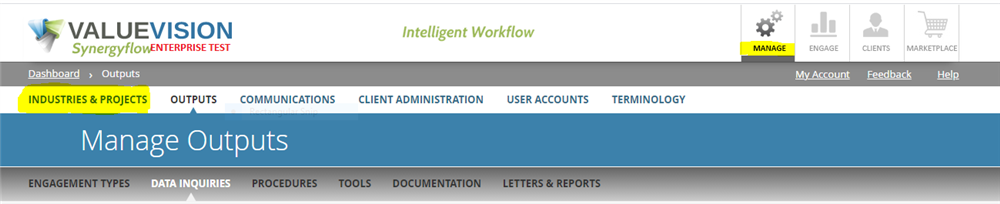
- Go to Manage > Industries & Projects.
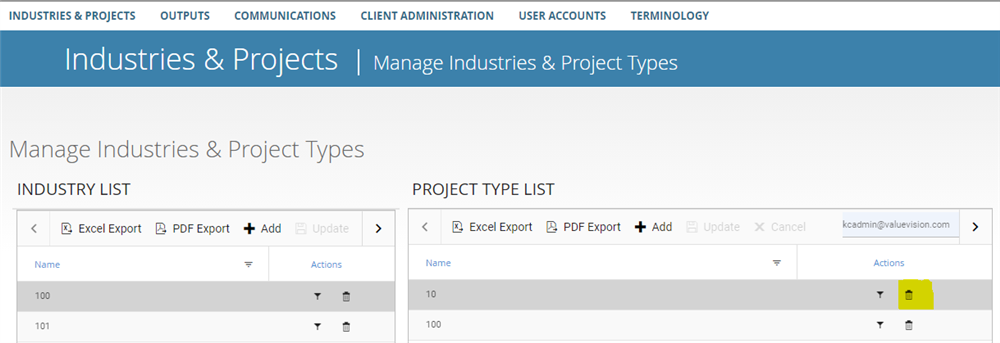
- Click on 'Trash can' icon to delete the project type.
- Please note if there are procedures, data inquiries, or snippet/reports linked to the project, you will not be able to delete the project type. Reassign data to another project type before deleting the project type.
Comments:
No comments for this article.
You need to be logged in to write comments.