Knowledgebase
Open navigation
Open search
Search
Delete a Company
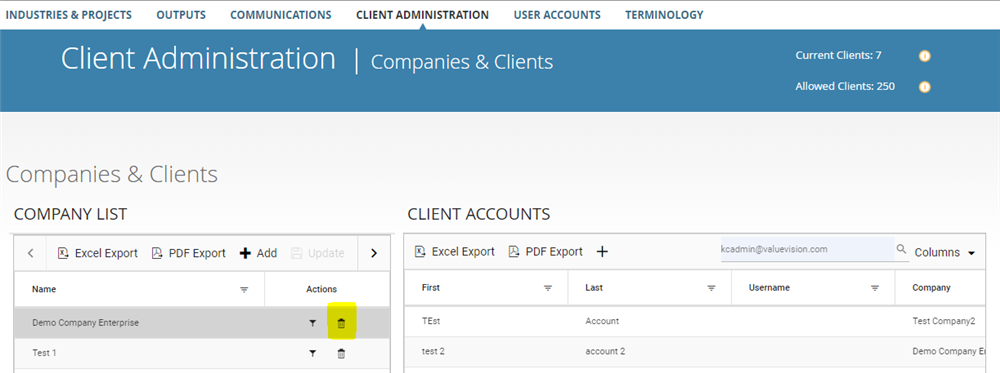
Go to Manage > Client Administration.
Click on the 'bin' icon appearing against the company you want to delete from the list.
Categories:
MANAGE CLIENT ADMINISTRATION
All Knowledgebase
Related Articles
No Related Articles.
Comments:
No comments for this article.
You need to be logged in to write comments.

Comments:
No comments for this article.
You need to be logged in to write comments.