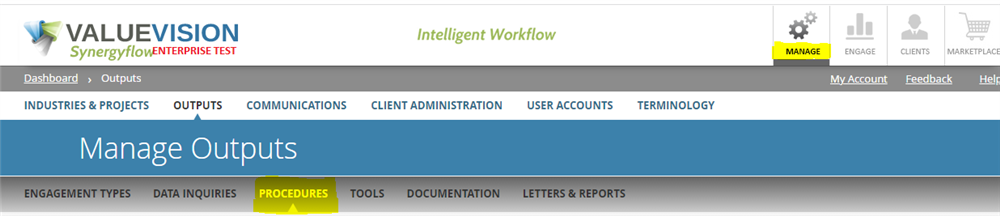
- Go to Manage > Outputs > Procedures.
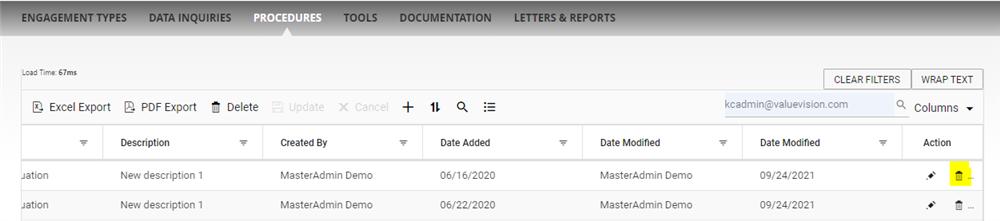
- Deactivation: To deactivate a procedure, go to the right end side of the table and click on the 'Trash can' symbol.
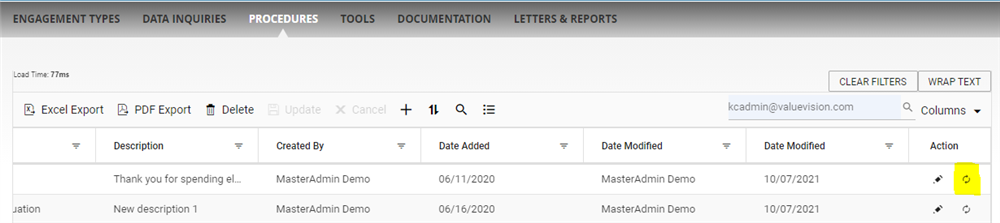
- Reactivation: If you want to reactivate the procedure which was deactivated earlier, go to the right end side of the table and click on the 'Restore' symbol.
Comments:
No comments for this article.
You need to be logged in to write comments.