- Go to Manage > Client Administration.

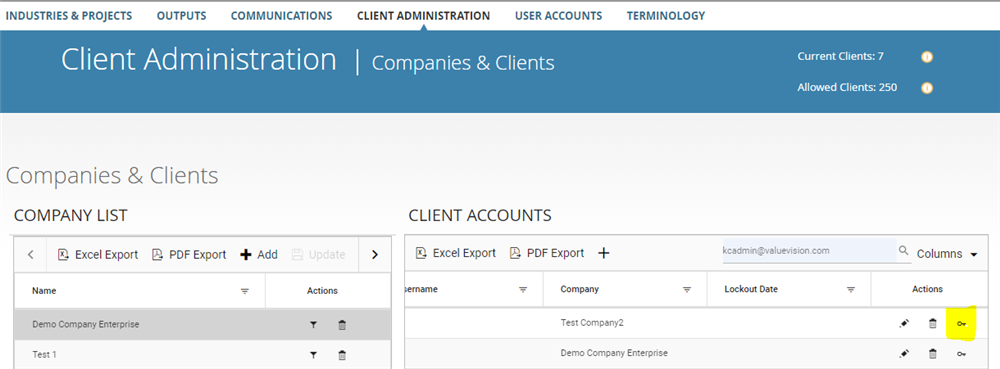
- Click on the company's name to which client account belongs of which you want to change the password.
- Go to right end side of the table and click on the 'key' sign appearing against the client account of which you want to change the password.
- Enter the new password and click on 'Update.'
Comments:
No comments for this article.
You need to be logged in to write comments.