- Go to engage section.
- Click on the engagement you want to view.
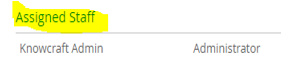
- Click on 'Assigned Staff'.
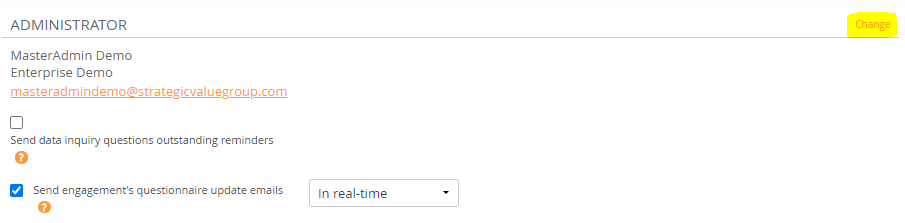
- Click on change and choose the person's name with whom you want to replace the current assigned staff from the drop down menu.
- Click on 'Save and Close'.
Comments:
No comments for this article.
You need to be logged in to write comments.