- Go to Engage section.

- Search for the engagement you want to view in search box shown in the table and click on the engagement name (in blue font).

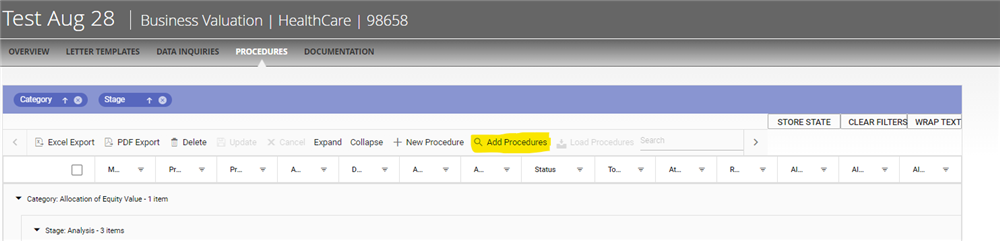
- Click on 'Procedures.'

- Click on 'Add procedures" (Highlighted in Yellow)'
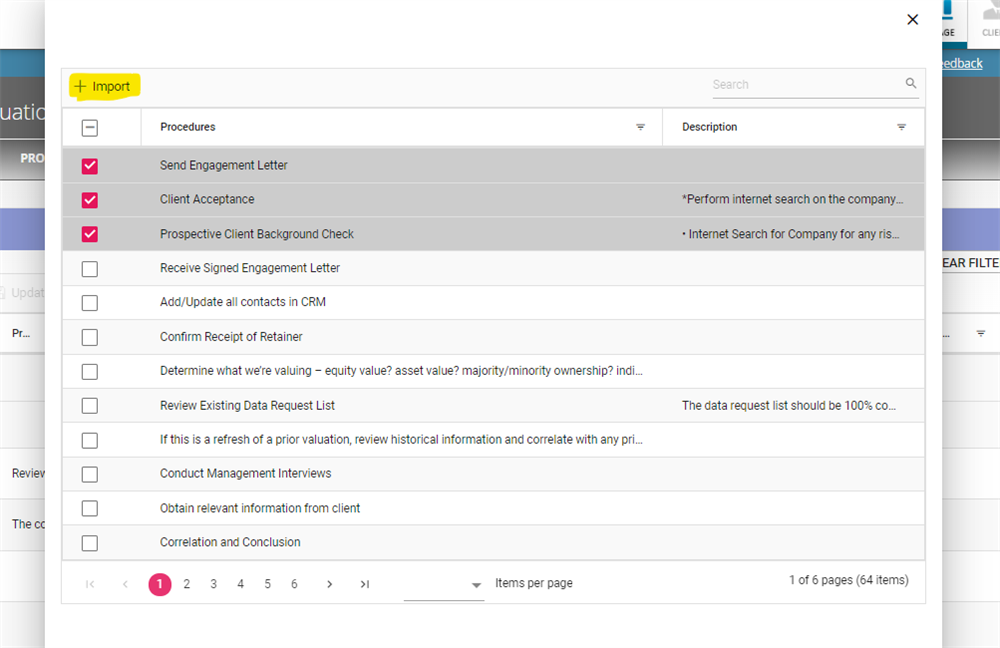
- Select one or more procedures and click in import button.
-
Engage procedure grid is refreshed and procedures are added.
- Important: Import action allows add the same procedure multiple times.
Comments:
No comments for this article.
You need to be logged in to write comments.