- Go to Manage > Output > Procedures.
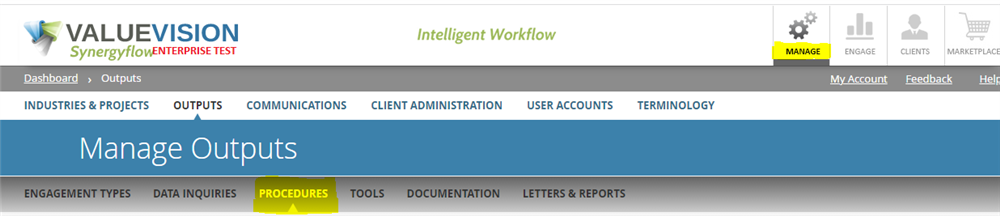
- Click on '+' sign to add a new procedure.

- Enter the procedure Name (should be short, just to allow someone to locate and identify the procedure)
- Select the Industry (or Industries) and Project Type(s) to which the procedure will be mapped.
- Enter the procedure Guidance (this can be more detailed than the procedure Name; for example, it can describe what the procedure is intended to do, or how it can be used).
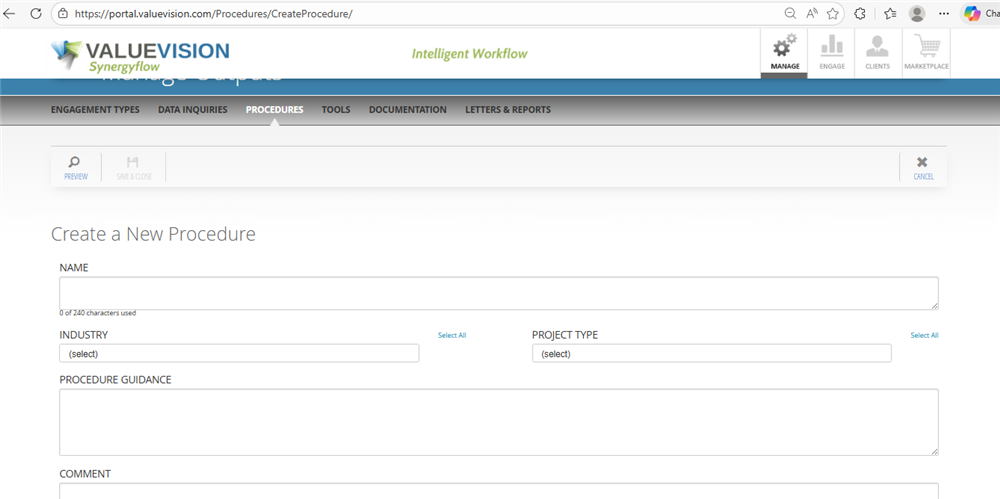
- Click Save & Close
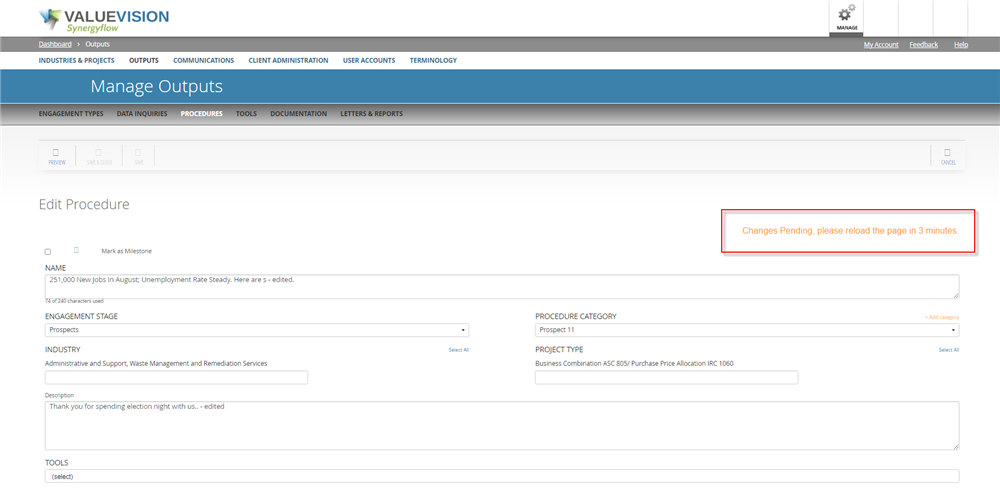
Important Note: When you create or modify a procedure, after you hit save, you will need to refresh the platform after 3 minutes to update all the related components like industries, projects, categories and tools.You will not see these changes reflected until 3 minutes.
Comments:
No comments for this article.
You need to be logged in to write comments.