Knowledgebase
Open navigation
Open search
Search
Adding/Editing/Deleting a Engagement Stage for a Procedure
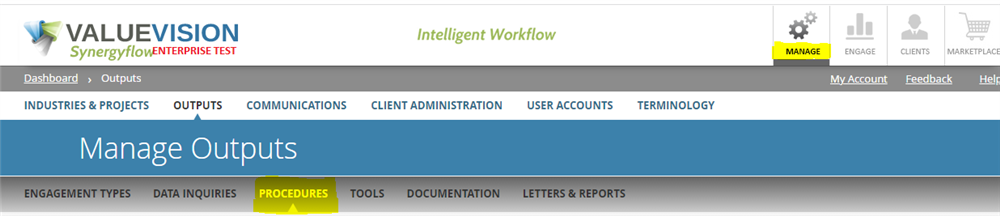
Go to Manage > Outputs > Procedures.
Click on the 'Engagement stage' icon.
In engagement stage section, you can,
Add a new engagement category.
Edit the engagement categories.
Delete the engagement categories.
Categories:
MANAGE PROCEDURES
All Knowledgebase
Related Articles
No Related Articles.
Comments:
No comments for this article.
You need to be logged in to write comments.

Comments:
No comments for this article.
You need to be logged in to write comments.