- Go to Engage section.

- Search for the engagement you want to view in search box shown in the table.

- Click on the engagement name (in blue font).
- Click on 'Documentation.'

- Click on 'Add Document' button (highlighted in below snip).

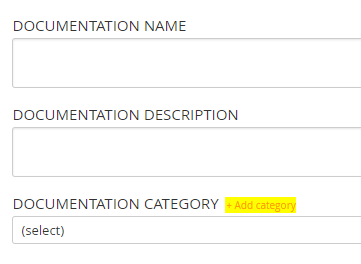
- Add the document name and its description.
- Select the document category from the drop-down menu.
- If the desired document category is not visible in the drop-down menu, then you need to click on 'Add category', enter the name of category to be added and click on 'Save.'
- Click on 'Save & Close.'
Comments:
No comments for this article.
You need to be logged in to write comments.