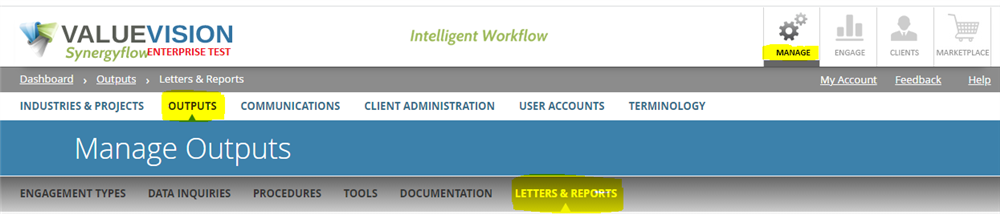
- Go to Manage > Outputs > Letters & Reports.
- Click on '+' sign to add a new letter template.

- Enter the following details (as applicable):
- Template name
- Template type
- Letter type
- Industry
- Project type
- Add heading point/points to the template and attach the relevant snippet (if required).
Comments:
No comments for this article.
You need to be logged in to write comments.