- Click on 'Engage' section.

- Click on the engagement name.

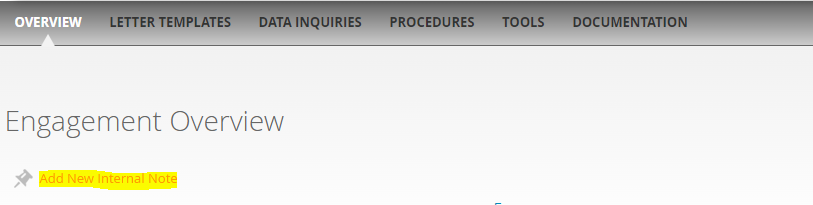
- Overview section of the engagement will open. Click on 'Add new internal note'. If any notes are already attached with the engagement, then 'Read Internal note(s)' will appear on the screen instead of 'Add internal note.'
- Add note and click on 'Save notes.'
Comments:
No comments for this article.
You need to be logged in to write comments.