Add a New Internal User Account (Master Admin, Admin & Associate Users)
- Go to Manage > User Account.
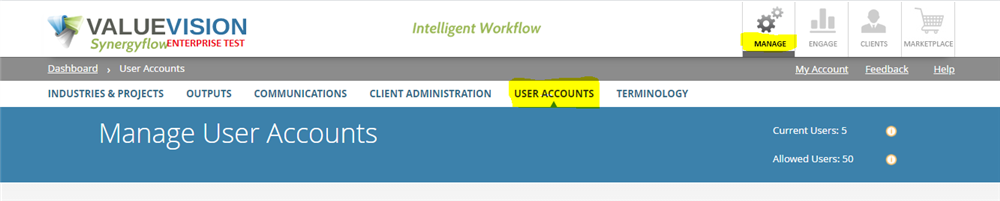
- Click on the 'Add user' icon.
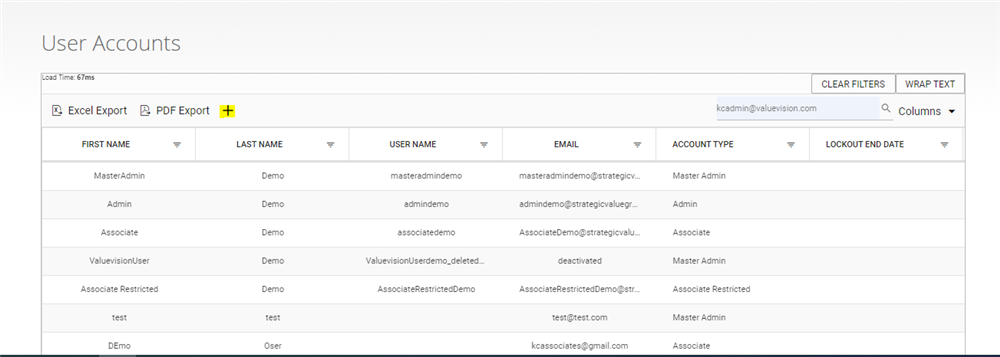
- Enter new information (User email can be a user's personal email. There is no domain restriction increating new user.)
- First Name
- Last Name
- Job Title
- Email Address
- Telephone Number
- Account Type (Master Admin, Admin, Associate, Associate Restricted)
- Master admin - Has access to Manage section, all the projects in Engage and Client section, and Marketplace section.
- Admin - Has acces to Manage section and Marketplace section.
- Asociate - Has access to all the projects in the Engage section and Client section, and Marketplace section.
- Associate rescricted - Has access only to the asigned individual projects in Engage and Client section, and Marketplace section.
- Click on Save & Close.
Related Articles
No Related Articles.
Comments:
No comments for this article.
You need to be logged in to write comments.